
Visual Decision Rules
Build a process's decision logic as a versioned tree of conditions, scores and outcomes, and test it against sample inputs.
These images are illustrations of the concept, not screenshots of the actual product.
Overview
Some decisions do not belong inside a workflow step. Who gets approved automatically, what goes to a human reviewer, which cases are declined outright - that logic is reviewed by people who do not read code, changes more often than the process around it, and has to be explainable after the fact. Burying it in a chain of nested conditions on a canvas makes it hard to read and harder to audit.
This concept separates that logic into its own object: a named rule set with its own version history and its own active state, edited as a decision tree. The illustration shows a lending decision as the example. A palette on the left offers the building blocks - a single condition, complex logic that combines conditions with AND and OR, a scoring rule that calculates a value, a decision that defines an outcome or action, and a lookup that fetches data from a source - with a drop area for dragging new blocks onto the canvas.
The tree itself reads top to bottom. A root condition tests a credit score against a threshold and splits, with the comparison written on each edge so the path is legible without opening anything. One side evaluates a debt-to-income condition, calculating a risk score on its passing branch and sending the other straight to review; the other side calculates a risk score at once and branches on the resulting value. Four terminal outcomes close the tree, visually distinguished by kind: an automatic approval, two routes to manual review by an analyst, and an automatic decline.
The right panel is what makes the tree trustworthy. Sample inputs are entered as ordinary numeric fields, a derived field is computed and shown read-only, and a single action evaluates the rule set against them. The result card names the outcome and the score that produced it, reports how long the evaluation took, and links to a trace of the evaluation, so an author can show exactly which branches fired for a given case. A header status marks the rule set as active with a version selector, an export action and a save control, and a resource meter sits in the sidebar.
The design places the rule-set editor inside the workflows area of the product, with the same canvas controls, minimap and versioning cues as the builder. The intent is to keep decision logic readable and testable by the people who own it, while the workflow canvas stays free of deeply nested branching.
What this concept shows
- A named rule set with an active status, a version selector, an export action and explicit save
- A palette of rule blocks: single conditions, AND/OR combinations, scoring rules, outcome decisions and data lookups
- A top-down decision tree where every edge is labeled with the comparison that routes down it
- Scoring blocks that compute a value mid-tree and branch on the result
- Terminal outcome nodes styled by kind - automatic approval, manual review by an analyst, and automatic decline
- A test panel that accepts sample inputs and shows a derived field computed from them
- A result card naming the outcome, the score behind it and the evaluation time
- A link to open the evaluation trace for the tested case, plus a last-tested note and a control to run the test again
How it works
- Open or create a rule set and give it a name, working from the version marked active.
- Drag blocks from the palette to build the tree - conditions, combined logic, scoring rules and lookups.
- Label each branch with the comparison that routes down it and close every path with an outcome block.
- Enter sample inputs in the test panel and let the derived fields compute from them.
- Run the test, read the resulting outcome and score, and open the evaluation trace for that case.
- Adjust thresholds or branches and re-test until the outcomes match policy, then save the new version.
Who it's for
- Risk, credit and compliance analysts who own approval policy
- Operations leads encoding routing and escalation rules
- Automation builders who want decision logic out of the workflow canvas
- Engineers maintaining versioned, testable business rules
Illustrations
1 illustration of this concept. Select one to view it full size.
Rule Set Editor and Test Panel
This illustration shows a rule-set editor for a lending decision. The header names the rule set, marks it active, offers a version selector, an export action and a save control. On the left, a palette lists rule blocks with one-line descriptions: a single condition, complex logic combining conditions with AND and OR, a scoring rule, an outcome decision, and a lookup against a data source, above a drop area for adding blocks. The canvas holds a top-down tree: a root condition on credit score splits on a threshold, one side testing debt-to-income and scoring risk on its passing branch, the other calculating a risk score directly, with each edge labeled by its comparison. Four terminal outcomes close the tree - an automatic approval, two manual-review routes and an automatic decline. The right panel takes sample numeric inputs, shows a computed field, and returns a result card with the outcome, score and evaluation time plus a trace link. All values are sample data.
Topics
- visual rule builder
- decision tree editor
- business rules engine
- approval routing rules
- scoring rule builder
- test rules with sample input
- rule evaluation trace
- versioned rule set
- automated approval and manual review
- no-code decision logic
Related concepts
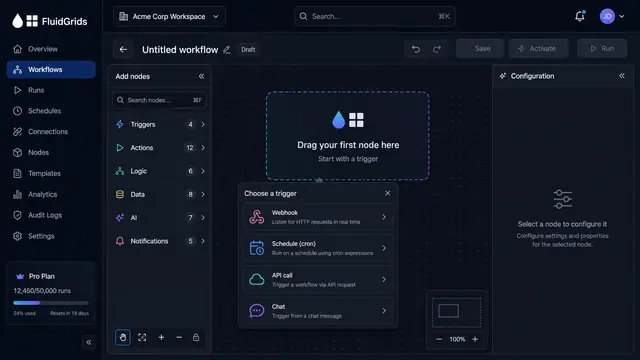
Visual Workflow Builder
Draw an automation on a canvas - trigger, branches, connectors and merges - then watch a test run light the same picture up step by step.
4 illustrations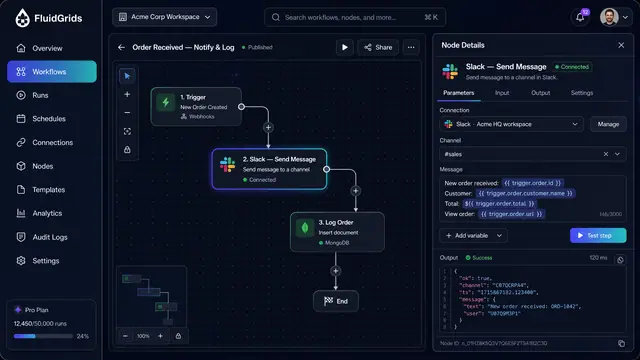
Node Configuration, Data Mapping and Code
Configure a step against a saved connection, map fields between services by dragging lines, and drop into sandboxed code when needed.
3 illustrations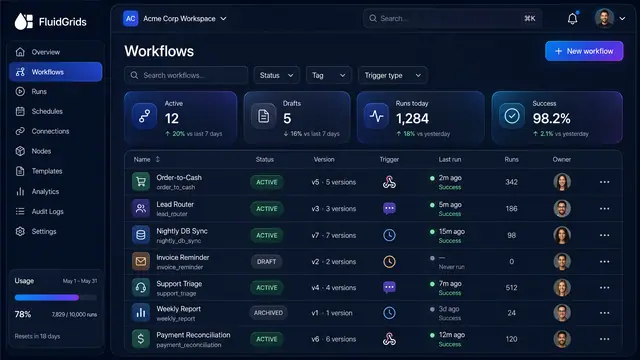
Workflow Library, Versions and Publishing
Track every workflow's status and version, compare and restore past versions, and publish with a pre-flight check that arms triggers.
3 illustrations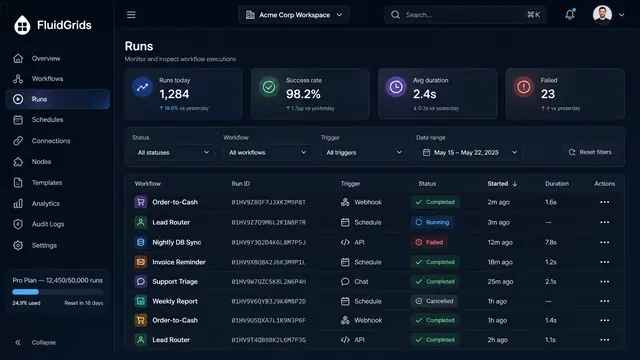
Run History, Inspection and Recovery
Follow every workflow execution node by node, then retry, resume or approve runs from a desktop or a phone.
5 illustrations
Part of industry solutions
This concept appears in cross-product solutions on burdenoff.com — see how it works alongside other Burdenoff products to solve a problem in that industry.

Industry solution
Healthcare Providers
The rule builder behind each unit's staffing matrix: a versioned tree of conditions and outcomes, tested against sample inputs before publishing; here, census and acuity in and required nurses out.
See the solution(opens in a new tab)
Industry solution
Space & Earth Observation
Designed to encode the data policy as a versioned rule tree (requester type, campaign, proprietary period, license) that approves, routes to the data manager or declines each request.
See the solution(opens in a new tab)
Industry solution
Agriculture & Agri-food
A versioned rule tree decides what an excursion means for the produce inside, hold, re-grade or release, and is tested against sample cases before it goes live.
See the solution(opens in a new tab)
Industry solution
Banking & Financial Services
Holds the firm's routing rule, covering drift size, risk profile and trade value, as a versioned tree that can be tested against sample proposals before it goes live.
See the solution(opens in a new tab)
Industry solution
Insurance
Holds the versioned triage rules that score severity and choose fast-track desk handling or a field inspection, tested against sample claims before they go live.
See the solution(opens in a new tab)
Industry solution
Law Firms and Legal Teams
Encodes each client's billing guidelines as a versioned rule tree, tested against sample entries and designed to be applied to every draft bill line.
See the solution(opens in a new tab)
Industry solution
Marketing & Advertising
Decides who must review a version from its tags, sending claims and price supers to legal and new markets to local brand leads, tested on sample inputs before it goes live.
See the solution(opens in a new tab)
Industry solution
Education & EdTech
The versioned rule builder, shown here on a loan example, with condition blocks, outcomes and a sample-input test. The same builder is designed to hold the early-alert tree and test it on sample students before it goes live.
See the solution(opens in a new tab)
Industry solution
Veterinary & Animal Health
Shown for a loan decision. Here the versioned tree holds the practice's rules: which words send a message to technician triage, which pets get a vaccine, heartworm or dental recall, and which are skipped as deceased.
See the solution(opens in a new tab)
Industry solution
Childcare & Early Learning
The rule set editor, shown on a loan decision, with condition blocks and a test panel. It is designed to hold a center's waitlist priority rules and test them on sample families.
See the solution(opens in a new tab)
Industry solution
Biotechnology & Genomics
Is designed to route a hospital's consent-withdrawal notice by rule: notify the committee, flag past releases that included the participant and request a sample hold.
See the solution(opens in a new tab)
Industry solution
Data & Analytics
Holds decision logic as a versioned rule set tested against sample inputs; here it is designed to route EU personal data requested from outside the EU to the data protection lead.
See the solution(opens in a new tab)
Industry solution
Supply Chain & Procurement
The delegation-of-authority policy as a tested rule tree: award value, single-source flag and category decide who must approve.
See the solution(opens in a new tab)
Industry solution
Wholesale & Distribution
Holds the credit-release policy as a versioned tree of conditions, such as over limit or invoice past 60 days, with release, review or hold outcomes tested on sample orders.
See the solution(opens in a new tab)